Introduction
Your website is often the first and most influential point of contact between your business and your audience. Whether you’re a startup preparing for launch or a growing small business ready to scale your digital presence, the quality of your website directly impacts how people perceive your brand, engage with your content, and ultimately convert into customers.
In today’s experience-driven market, businesses no longer compete only on products or services — they compete on digital experiences. And those experiences are shaped by the effectiveness of your website design and development. A well-built website doesn’t just look attractive; it guides users smoothly through your content, communicates your value clearly, and encourages meaningful actions.
This comprehensive guide breaks down everything you need to know about website design and development, from essential concepts and modern UX/UI principles to technical best practices, performance optimization, and real-world examples. Whether you’re building a new website, redesigning an outdated one, or seeking to understand what makes a website convert, this resource will give you the clarity and direction you need.
At Appledew UK, a global digital agency specialising in modern, clean, conversion-focused UI/UX design, we’ve helped startups and small businesses create digital experiences that resonate with their audiences and generate measurable results. This guide draws from that expertise to provide insights that are practical, strategic, and aligned with today’s global digital standards.
By the end of this guide, you’ll understand:
- What website design and development actually involve
- How to plan a high-converting website from scratch
- Essential UX/UI principles for a modern, premium experience
- Development best practices for speed, security, and scalability
- Mistakes to avoid and expert strategies to apply
- How real businesses benefit from strong design and development
Let’s begin by breaking down what “website design and development” really means — and why the world’s best brands treat it as the core of their digital success.
What Website Design and Development Really Means
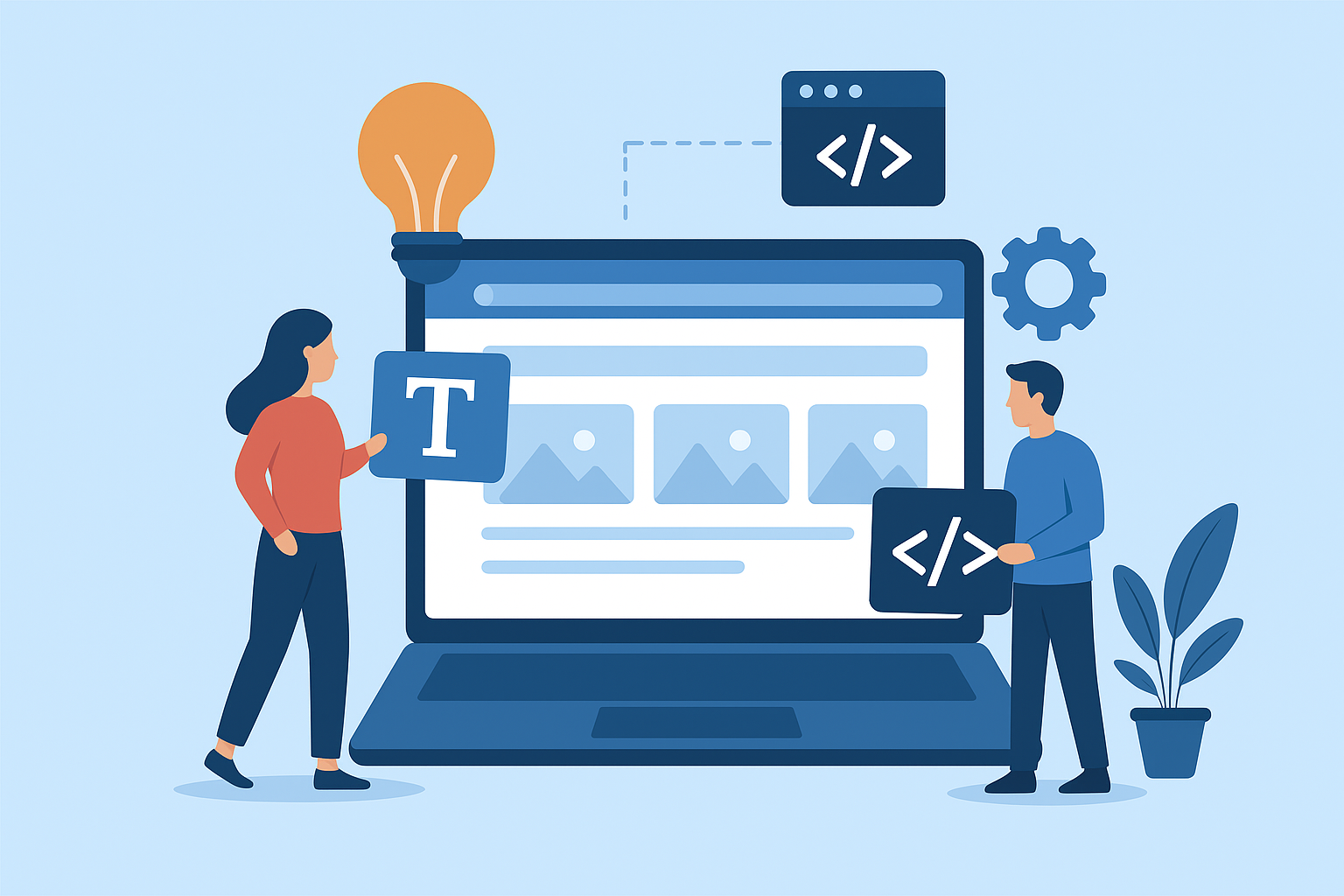
Website design and development are often treated as the same thing, but in reality, they represent two distinct yet interconnected disciplines. Combined, they form the complete process of planning, creating, building, and launching a fully functioning digital experience.
A high-performing website requires both strong design and strong development. When these two areas work together, the result is a fast-loading, visually appealing, intuitive, and conversion-optimized digital presence.
Website Design: The Visual & Experiential Layer
Website design focuses on how the website looks and how users experience it. This includes:
1. Visual Layout
- Page structure
- Spacing
- Content hierarchy
- Navigation
- Visual balance
2. UI (User Interface) Design
- Typography
- Colours
- Buttons and CTAs
- Icons
- Brand aesthetics
3. UX (User Experience) Design
- User flow
- Ease of navigation
- Conversion paths
- Accessibility
- Mobile responsiveness
Good design makes a website feel modern, trustworthy, and seamless. It ensures users find what they need quickly and are guided toward taking action.
Website Development: The Engine Behind the Experience
Website development covers the technical work that brings the design to life — making the website functional, interactive, and secure.
Types of Web Development
1. Front-End Development
Responsible for how the website appears in the browser.
Technologies used:
- HTML
- CSS
- JavaScript
- Front-end frameworks (React, Vue, Next.js)
2. Back-End Development
Handles everything users don’t see, including:
- Databases
- APIs
- Server-side logic
- Authentication
Technologies depend on the chosen tech stack (Node.js, PHP, Python, etc.)
3. CMS Development
Using platforms like:
- WordPress
- Shopify
- Webflow
- Custom CMS solutions
This allows businesses to update content without needing a developer.
4. Full-Stack Development
Combines both front-end and back-end for complete website builds.
Why Both Are Equally Important
- Design attracts attention.
- Development retains attention.
- UX/UI drives conversions.
- Performance and security build trust.
Businesses that treat design and development separately usually end up with disjointed experiences. But when these disciplines collaborate, you get a website that is visually beautiful, easy to use, lightning fast, and aligned with business goals.
Principles of Modern Website Design
Modern website design prioritizes clarity, usability, and conversions — not visual complexity. Google evaluates real user experience through its Page Experience signals, which measure how users interact with your website.
Performance metrics such as Core Web Vitals assess loading speed, interactivity, and visual stability. Websites that fail to meet these standards often experience reduced rankings and higher bounce rates.
To ensure proper mobile responsiveness, businesses should regularly test their site using Google’s Mobile-Friendly Test.
Applying these standards ensures your design aligns with global performance and usability expectations.
Appledew UK’s UVP — Modern, clean, conversion-focused UI/UX design — fits perfectly within today’s global standards.
Here are the core principles that shape modern, high-converting websites:
1. Simplicity and Clarity
The most effective websites are not complex — they are clear.
Users should be able to answer three questions within seconds:
- What do you offer?
- Who is it for?
- What should I do next?
Clear headings, clean layouts, and focused messaging are crucial.
2. Visual Hierarchy
Good design communicates what matters most.
This includes:
- Bigger, bolder headings for key messages
- Strategic use of colour to highlight CTAs
- Proper spacing so the page feels breathable
- Using contrast to lead the eye
Visual hierarchy helps users understand where to look and what to do.
3. Modern UI Elements
Today’s design standards include:
- Rounded buttons
- Clean typography
- Minimalistic layouts
- Soft colour palettes
- Micro-interactions
- Modern iconography
These visual elements make websites more trustworthy and premium.
4. Mobile-First Design
With more than 60% of global website traffic coming from mobile, modern design must prioritise:
- Responsive layouts
- Thumb-friendly navigation
- Fast loading on smaller devices
- Readable mobile typography
- Touch-friendly interaction elements
A website that isn’t mobile-optimized loses conversions instantly.
5. Consistent Branding
Strong branding includes:
- Logo integration
- Consistent colour themes
- Typography guidelines
- Visual storytelling
- Brand personality
A consistent visual identity builds trust and strengthens your brand perception.
6. Accessibility
Modern websites must be usable for everyone.
This includes:
- Keyboard navigation
- Alt text for all images
- High-contrast colour options
- Readable font sizes
- Screen-reader compatibility
Accessibility is not optional anymore — it reflects professionalism and inclusivity.
7. Conversion-Focused Layouts
Your website isn’t just information — it’s a business tool.
Effective conversion-focused websites include:
- Clear call-to-action buttons
- Predictable user flows
- Structured product/service pages
- Lead capture forms
- Trust signals (reviews, certifications, case studies)
This approach increases the chances that visitors turn into customers.
The Website Development Process Explained
The development process is the roadmap for bringing your website to life. Whether you’re building a small business site or a large dynamic platform, the process remains structured.
Below is the standard website development lifecycle:
1. Discovery & Strategy Phase
This is the foundation. A successful website starts with:
a. Goals & Objectives
- What is the website supposed to achieve?
- What actions should users take?
b. Target Audience Analysis
- What problems do they have?
- What information do they need?
c. Brand Positioning
- Messaging
- Tone
- Visual identity
d. Competitor Research
- What are they doing well?
- What can be improved?
This phase ensures the website is not built blindly but strategically.
2. Planning & Information Architecture
This phase includes:
a. Sitemaps
A visual outline of all pages.
b. User Flow Maps
Shows how users will move through the website.
c. Wireframes
The skeleton layout of each page — simple, black-and-white frames to show structure.
d. Content Strategy
Types of content:
- Homepage messaging
- Service pages
- SEO landing pages
- Blog structure
The goal is clarity and structure before design begins.
3. UI/UX Design Phase
Now the visual magic happens.
a. High-Fidelity UI Design
- Colour application
- Typography
- Spacing
- Buttons, forms, icons
b. UX Enhancements
- Engagement points
- Scroll interactions
- Behavioural design
c. Responsive Design
Designing for mobile, tablet, and desktop.
d. Design Prototyping
Clickable demos for review and feedback.
A strong design phase reduces development revisions and ensures alignment.
4. Development Phase
This phase converts design files into fully functional code.
a. Front-end Development
Translating UI into:
- HTML
- CSS
- JavaScript
- Animations
b. Back-end Development
Building:
- Databases
- User accounts
- Content management systems
- API connections
c. CMS Integration
Allowing non-technical staff to easily update the site.
d. Performance Optimization
Compressing images, minimizing CSS/JS, enabling caching.
5. Testing & Quality Assurance
Before launch, the website undergoes:
a. Cross-browser testing
Chrome, Firefox, Safari, Edge, mobile browsers.
b. Mobile responsiveness testing
c. Speed audits
d. Security checks
e. Functionality tests
Forms, buttons, interactions, links.
6. Launch & Deployment
This includes:
- Domain setup
- Server deployment
- SSL installation
- Final speed optimizations
- DNS configuration
Once everything is verified, the website goes live.
7. Post-Launch Maintenance
A website is not a one-time project. Ongoing maintenance includes:
- Regular updates
- Content changes
- Security patches
- Performance monitoring
- Backups
This ensures long-term stability and growth.
Choosing the Right Technology Stack
A website’s technology stack determines how fast, secure, scalable, and flexible it will be. Startups and small businesses must choose a tech stack that balances performance, cost-efficiency, and future scalability.
Here are the main components of a modern tech stack:
1. Front-End Technologies (User-Facing Layer)
This layer handles everything users see — layout, animations, and interactions.
Common Front-End Technologies
- HTML5 — page structure
- CSS3 — styling and layout
- JavaScript — interactivity and dynamic features
- Frameworks:
- React (fast, scalable, modern)
- Next.js (SEO-friendly, server-side rendering)
- Vue.js (lightweight and flexible)
Why It Matters
The right front-end framework improves:
- Speed
- SEO performance
- User engagement
- Cross-device compatibility
2. Back-End Technologies (Server-Side Logic)
This is the engine powering your website behind the scenes.
Popular Back-End Languages
- Node.js (fast, scalable, real-time apps)
- PHP (widely used, especially with WordPress)
- Python (AI, automation, data-heavy applications)
- Ruby on Rails (rapid development)
Back-End Determines:
- Data processing
- Speed
- Security
- Integrations
- Login systems
- E-commerce functionality
3. Database Systems
Your website stores information such as:
- User data
- Orders
- Product information
- CMS data
Common Options
- MySQL (widely used with PHP/WordPress)
- PostgreSQL (secure and scalable)
- MongoDB (flexible, ideal for JS-based stacks)
- Firebase (real-time database for mobile/web apps)
4. Content Management Systems (CMS)
For businesses needing easy updating without coding.
Popular CMS Options
- WordPress (most flexible, SEO-friendly)
- Shopify (e-commerce)
- Webflow (clean design + no-code CMS)
- Strapi (headless CMS for custom logic)
Why CMS Matters
- Easy content updates
- Faster development
- Cost-effective
- Highly scalable with plugins or integrations
5. Hosting & Deployment
Website hosting influences speed, uptime, and security.
Reliable Hosting Providers
- Cloudways
- AWS
- Google Cloud
- DigitalOcean
- Bluehost/Hostinger (budget-friendly)
Hosting Should Provide:
- SSL certificates
- Caching
- CDNs
- Daily backups
- High uptime
Choosing the Right Stack for Startups
Startups should choose:
- WordPress + Elementor/Webflow → For fast go-live + content flexibility
- Next.js + Headless CMS → For high performance and scalability
- Shopify → For ecommerce
- Node.js + MongoDB → For complex custom platforms
Choosing the right stack ensures your website grows as your business grows.
UX/UI Best Practices for Higher Conversions
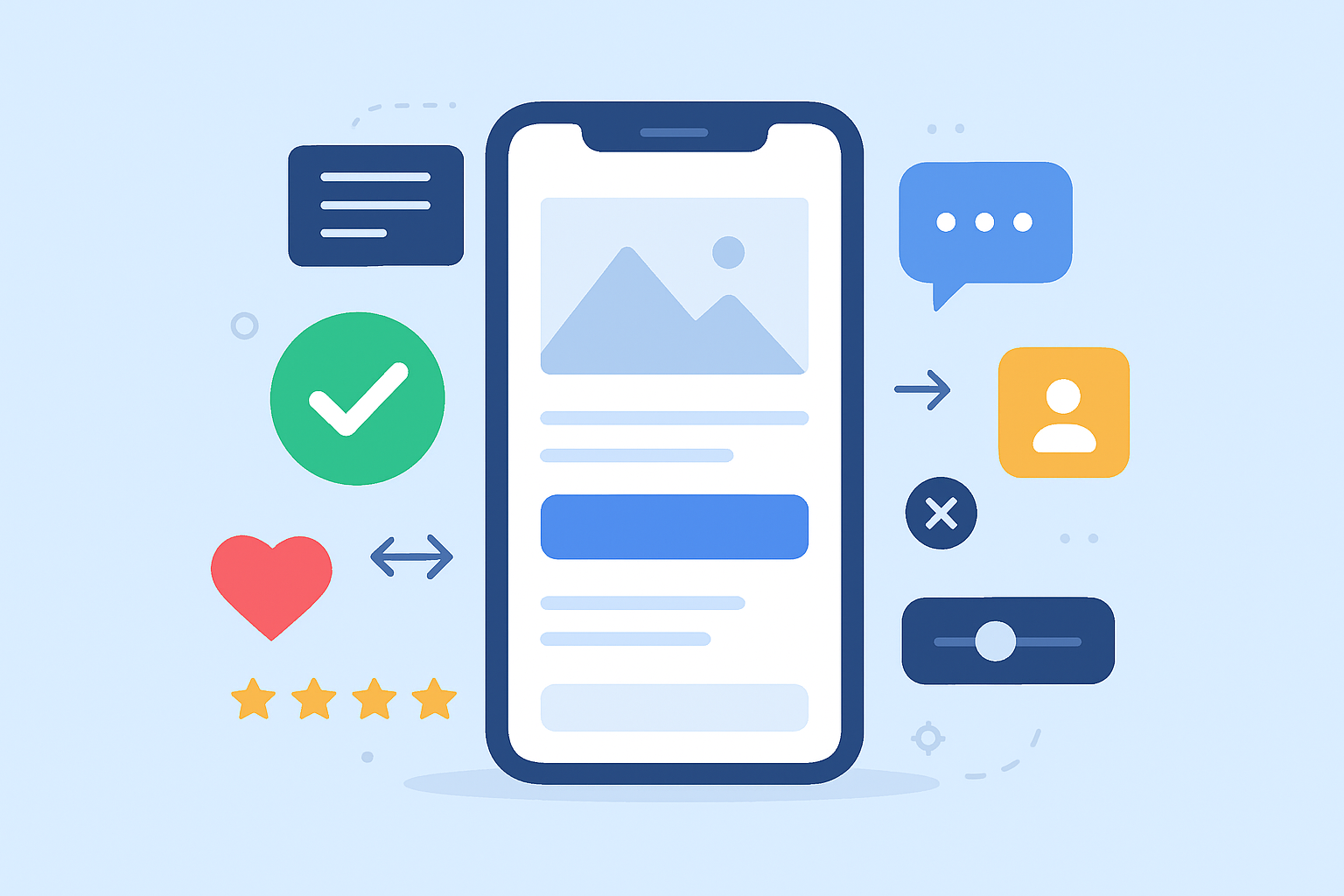
Beautiful design alone does not convert — conversion happens when UX/UI aligns with user intent and quality standards. Google prioritizes user-focused content under its Helpful Content System, which rewards websites built for real users rather than search engines.
Additionally, Google outlines evaluation criteria in the Google Search Quality Evaluator Guidelines, emphasizing trust, expertise, and content clarity.
Appledew UK’s core UVP is modern, clean, conversion-focused UI/UX, and these best practices reflect that approach.
1. Clear and Predictable Navigation
Users should navigate your website effortlessly.
Key Principles:
- Limit menu items (5–7 max)
- Use descriptive labels
- Keep navigation consistent on every page
- Highlight the active section
- Always include a clear “Contact” or “Get Started” button
2. First-Screen Clarity (Above-The-Fold Design)
Visitors decide in 3–5 seconds whether they’ll stay.
Your first fold must include:
- A clear headline
- A short subheading
- Your value proposition
- A strong CTA
- A supporting visual
Example:
“Modern Websites That Convert — Built for Startups & Small Businesses.”
CTA: Get a Free Consultation
3. Use of White Space
White space makes content breathable and readable.
Crowded designs overwhelm users and reduce conversions.
White space enhances:
- Focus
- Aesthetics
- User comfort
- Content hierarchy
Modern design is minimal — less clutter = more clarity.
4. High-Quality Visuals & Brand Consistency
Visuals should:
- Represent your brand
- Feel modern and clean
- Use consistent colours, fonts, and shapes
Stock photos should look natural and professional — not generic.
5. Scannable Content & Layouts
Users don’t read; they scan.
Use:
- Short paragraphs
- Bullet points
- Bold highlights
- Clear section headings
- Icon-based content blocks
This enhances readability and increases engagement.
6. Fast Load Speed
Speed = conversions.
Slow websites lose up to 40% of visitors.
Improving speed includes:
- Image compression
- Code minification
- Caching
- Lazy loading
- CDN usage
7. Trust Elements (Social Proof)
Trust dramatically boosts conversions.
Add:
- Testimonials
- Google reviews
- Portfolio designs
- Case studies
- Logos of clients
People trust people — not websites.
8. Strong CTAs Across Pages
Not pushy — clear.
Examples:
- “Get a Free Quote”
- “Schedule a Call”
- “Start Your Project”
- “Request a Demo”
CTA placement matters:
- Header
- Hero section
- Middle sections
- End of page
Repeating CTAs increases conversions without overwhelming users.
Common Website Design Mistakes to Avoid
Even well-designed websites can fail if common mistakes are not addressed. Avoiding these ensures a smoother, more professional user experience.
Mistake #1: Overcomplicated Navigation
Confusing menus cause users to leave.
Keep it simple and predictable.
Mistake #2: Poor Mobile Optimization
Non-responsive layouts = instant bounce rate.
Test your website on:
- Small phones
- Tablets
- Different browsers
Mistake #3: Slow Loading Times
People won’t wait more than 3 seconds.
Optimize images, scripts, and hosting.
Mistake #4: Weak Messaging or No Clear UVP
Users must immediately understand your value.
Avoid vague headlines.
Mistake #5: Lack of Trust Elements
No testimonials, no portfolio, no case studies = no trust.
Mistake #6: Using Outdated Design Styles
Old-fashioned fonts, cluttered layouts, and dated colours reduce credibility.
Mistake #7: Inconsistent Branding
Each page must feel like part of the same brand.
Inconsistency weakens trust.
Mistake #8: Too Much Text, Not Enough Visual Balance
Modern websites combine visuals + clear copy.
Advanced Website Development Strategies
For startups wanting competitive advantage, these advanced strategies improve performance, security, and scalability.
1. Use Headless Architecture (Optional)
Decouple front-end and back-end for:
- Faster performance
- Better SEO
- Easier scaling
- More flexibility
Common headless combinations:
- Next.js + Strapi
- React + Firebase
- Gatsby + WordPress (headless)
2. Implement Strong Security Measures
Security is non-negotiable.
Use:
- SSL
- Firewall
- Regular backups
- Two-factor authentication
- Security plugins
- Server monitoring
This protects your business and customers.
3. API Integrations for Functionality
Modern websites integrate with:
- Payment gateways
- Booking systems
- CRMs
- Inventory systems
- Email platforms
APIs unlock automation and efficiency.
4. Performance-Driven Code
Developers should:
- Minimize CSS/JS
- Use modern image formats (WebP/AVIF)
- Enable lazy loading
- Remove unused scripts
Performance directly impacts SEO and conversions.
5. Continuous Optimization
Websites should evolve based on:
- Analytics
- Heatmaps
- User feedback
- A/B testing
- New content strategy
A website is not static — it is a living asset.
Case Studies & Real-World Examples
Real examples show how strong design and development directly impact business growth. Below are two simplified case studies representing typical startup and small-business scenarios Appledew UK works with.
Case Study 1 — Startup Launching Its First Website
Situation
A new tech startup needed a clean, modern website to communicate its product value and attract early-stage customers.
Approach
Appledew UK designed a conversion-focused website featuring:
- A clear first-screen headline
- Clean UI/UX layout
- Mobile-first design
- Strong calls to action
- A guided 3-step user journey
The development team built the website using a lightweight tech stack optimized for speed and scalability.
Results
- 42% increase in sign-ups within the first 30 days
- 1.8s average load speed
- 61% of leads came through the website’s CTA
- Improved investor pitch success due to better brand perception
Key Lesson
Modern, conversion-focused design can significantly improve early-stage customer acquisition.
Case Study 2 — Small Business Website Redesign
Situation
A small local service business had an outdated website that suffered from slow load times and poor mobile responsiveness.
Approach
Appledew UK redesigned the UI with a clean, modern layout and restructured the user flow to highlight their core services. Development included:
- Faster hosting
- Image optimization
- Better on-page SEO
- Integrated review/testimonial sections
- A clear “Contact Us” funnel
Results
- Load time improved from 6.5s → 1.6s
- Website conversions improved by 55%
- Bounce rate decreased by 37%
- Customer inquiries doubled within three months
Key Lesson
A redesign focused on speed, clarity, and UX can dramatically increase conversions and customer trust.
FAQs About Website Design & Development
Q1: What is the difference between website design and website development?
Website design focuses on layout, visuals, branding, and user experience. Website development turns those designs into a functional, interactive website using coding languages and CMS platforms. Both are essential for building a professional website.
Q2: How long does it take to build a website?
Most professional websites take 2–6 weeks, depending on size, pages, features, and revisions. Larger custom websites can take longer, but startups and small businesses often receive faster delivery.
Q3: How much does website design and development cost?
Costs vary by complexity. Template-based sites cost less, while custom UI/UX and advanced features cost more. For startups, the focus should be on scalability, performance, and future growth — not just price.
Q4: What platform should I use for my website?
- WordPress for flexible business websites
- Shopify for e-commerce
- Webflow for design-driven brands
- Custom Development (React/Next.js) for high-performance or scalable web apps
Your choice depends on goals, budget, and technical needs.
Q5: Why is mobile-friendly design important?
More than half of global users browse on mobile. A mobile-first website loads faster, is easier to read, and converts better — making it essential for SEO and user satisfaction.
Q6: How do I improve my website speed?
Use image compression, caching, fast hosting, CDNs, and minified scripts. Developers can also optimize code to reduce load time. A fast website improves conversions and SEO rankings.
Q7: How often should I update my website?
Websites should be updated regularly with new content, security patches, and performance improvements. A full redesign is recommended every 2–3 years to stay visually modern.
Q8: What makes a website convert effectively?
Clear messaging, strong CTAs, clean design, social proof, fast load speed, simple navigation, and a structured user flow all contribute to higher conversions.
Conclusion & Next Steps
A website is more than a digital brochure — it’s the single most important asset your business owns online. When built strategically with modern design, user-focused UX, strong development, and continuous optimization, a website becomes a powerful growth engine.
This guide covered everything from foundational design principles to advanced development strategies, helping you understand how to create a website that looks modern, performs flawlessly, and converts visitors into customers.
Whether you’re a startup preparing to launch or a small business looking to elevate your digital presence, investing in professional website design and development is one of the fastest ways to enhance credibility and generate measurable results.
Ready to Build a High-Converting Website?
Appledew UK specializes in modern, clean, conversion-focused UI/UX design combined with world-class development.
💬 Contact Us today to start your project and transform your digital presence.
Key Takeaways
- Modern website design prioritizes clarity, simplicity, and conversions.
- Development ensures speed, scalability, and security.
- Mobile-first design is essential for global audiences.
- Performance and UX directly influence conversions.
- Startups and small businesses benefit most from clean, intuitive UI/UX.
- A strategic design + development process produces long-term results.
- Ongoing maintenance keeps your website fast and secure.
AI Implementation Prompt for “A Complete Guide to Website Design & Development for Startups and Small Businesses”
Goal:
Create an actionable and detailed execution plan based on the blog post, designed for startups and small businesses, aligned with Google Search Quality Guidelines (E-E-A-T, helpful content, user intent, clarity). The output should be ready for implementation by a team or AI.
Instructions for AI:
- Content Summarization & Structure
- Summarize the blog post into a clear, structured framework for implementation.
- Retain headings, subheadings, and key concepts.
- Highlight key action items that startups and small businesses can execute.
- Website Design Action Plan
- Extract all visual/UI/UX principles from the post.
- Generate a step-by-step design checklist, including:
- Layouts, visual hierarchy, color palettes, typography.
- Mobile-first design considerations.
- Accessibility and ADA compliance steps.
- Conversion-focused elements (CTA placement, trust signals, white space).
- Website Development Action Plan
- Extract development and tech stack recommendations.
- Generate a prioritized implementation plan covering:
- Front-end, back-end, full-stack, and CMS integration.
- Performance optimization (speed, lazy loading, caching).
- Security measures (SSL, firewall, backups, monitoring).
- API integrations for functionality (payments, CRMs, email, inventory).
- Process Workflow
- Translate the “Website Development Process Explained” section into a step-by-step workflow, suitable for project management.
- Include:
- Discovery & strategy
- Planning & information architecture
- UI/UX design phase
- Development phase
- Testing & quality assurance
- Launch & post-launch maintenance
- Add estimated timelines and dependencies for each phase.
- UX/UI Best Practices Implementation
- Create a checklist for higher conversions, including:
- Clear navigation, scannable content, high-quality visuals, strong CTAs.
- Use examples from the case studies to demonstrate practical implementation.
- Highlight common mistakes to avoid.
- Create a checklist for higher conversions, including:
- Advanced Strategies
- Convert the “Advanced Website Development Strategies” section into actionable tasks, including:
- Headless architecture setup (if applicable)
- Performance-driven coding practices
- Continuous optimization methods
- Security hardening checklist
- Convert the “Advanced Website Development Strategies” section into actionable tasks, including:
- Conversion & Measurement
- Suggest KPIs and tracking methods to measure:
- Conversion rates
- Page speed
- Mobile responsiveness
- Bounce rate
- User engagement
- Provide actionable recommendations for improvements based on metrics.
- Suggest KPIs and tracking methods to measure:
- Output Format
- Provide the results in a structured, implementable format, for example:
- Phase → Task → Tools/Tech → Responsible Party → Estimated Time → Notes
- Include visual examples or mockup suggestions where relevant.
- Ensure language is clear, concise, and suitable for startups and small business owners.
- Provide the results in a structured, implementable format, for example:
- SEO & Google Guidelines Alignment
- Ensure all recommendations follow Google Search Quality Guidelines:
- Focus on expertise, authoritativeness, and trustworthiness (E-E-A-T)
- Helpful content, clear headings, scannable structure
- User intent focus and actionable advice
- Ensure all recommendations follow Google Search Quality Guidelines:
- Optional Add-ons
- Suggest free or affordable tools for design, development, analytics, and optimization.
- Suggest content/UX ideas for blog or landing pages derived from this guide.
Call-to-Action for Human Use:
“Want help implementing this website strategy step-by-step? Reach out via our [https://appledew.co.uk/contact-us/] to get expert guidance or a full-service execution plan.”